See Yourself as a Baby With AI (How It Works)
Curious what you looked like as a baby? See how AI age-regression recreates your baby face in seconds — and how to get the most accurate result.
What does "see yourself as a baby" AI actually do?
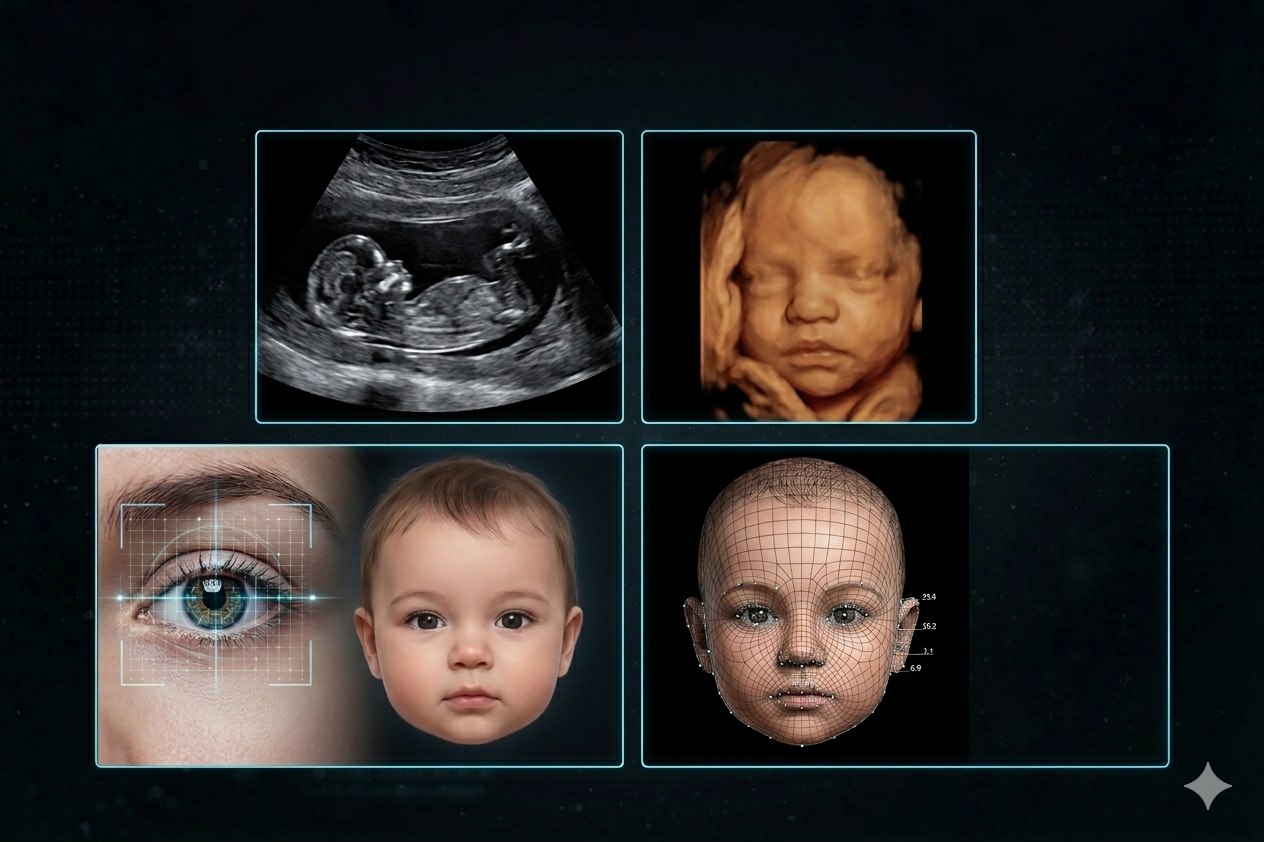
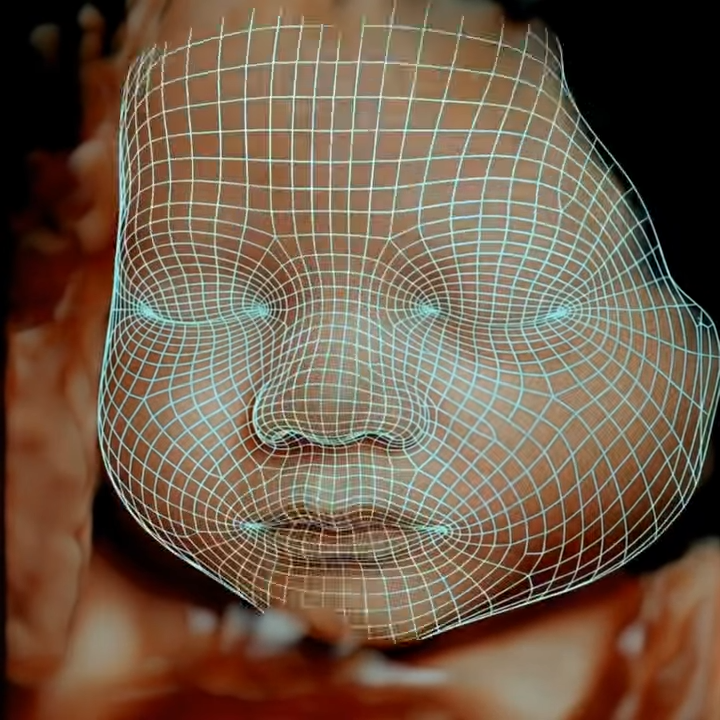
"See yourself as a baby" AI tools take an adult selfie and generate a plausible baby version of that same person. Behind the scenes they combine face-shape analysis, age-regression diffusion models, and pigment mapping to answer the question: what did this face probably look like at 6 months old?
The technique is the mirror image of age-progression tools used in forensics: instead of aging a photo forward, the model rolls facial features backward — softening bone structure, enlarging eyes relative to the skull, chubbing up cheeks, and lightening pigment (since most babies have lighter eyes and hair than they will as adults).
How AI age regression works
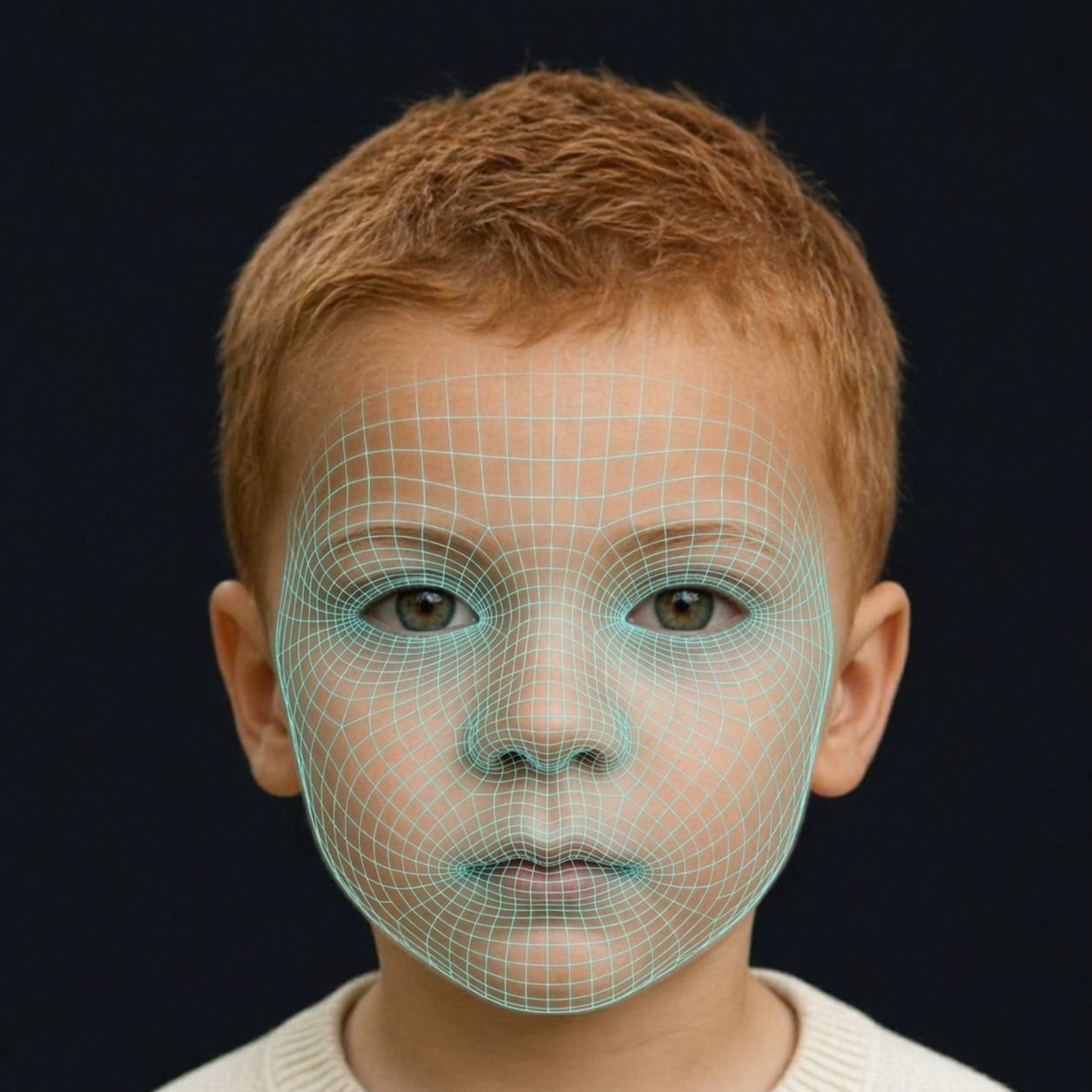
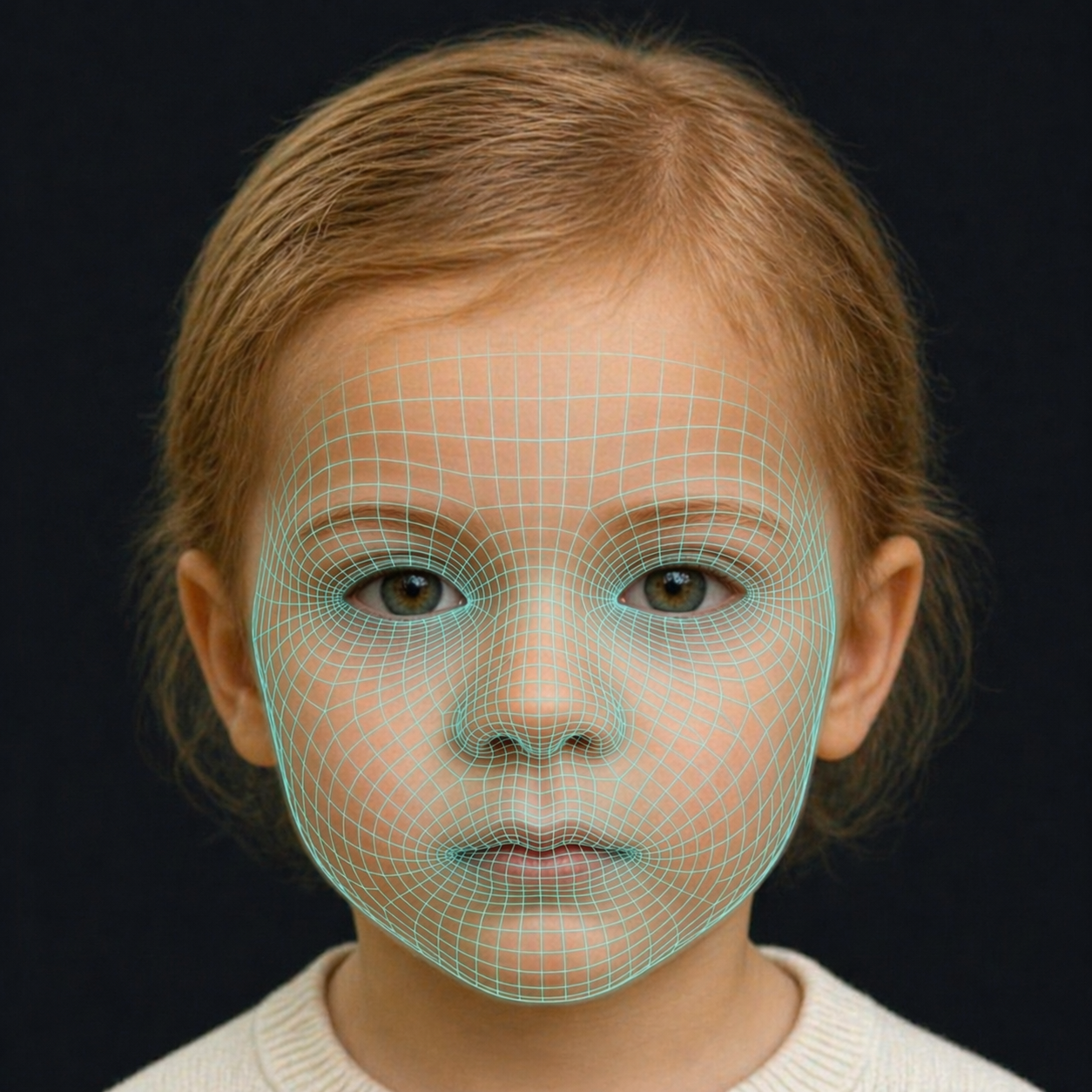
- Landmark analysis: the model detects ~468 facial landmarks and maps the geometry of your adult face.
- Skeletal reversal: a training dataset of adult–baby photo pairs teaches the model how each landmark shifts backward in time. Foreheads relatively grow, jaws shrink, eyes look bigger.
- Pigment interpolation: hair and eye color are often lighter in infancy, so the model estimates the most likely baby-version color while preserving your identity.
- Skin texture: adult skin texture is replaced with the smooth, high-water-content look typical of newborns.
Is "see yourself as a baby" AI accurate?
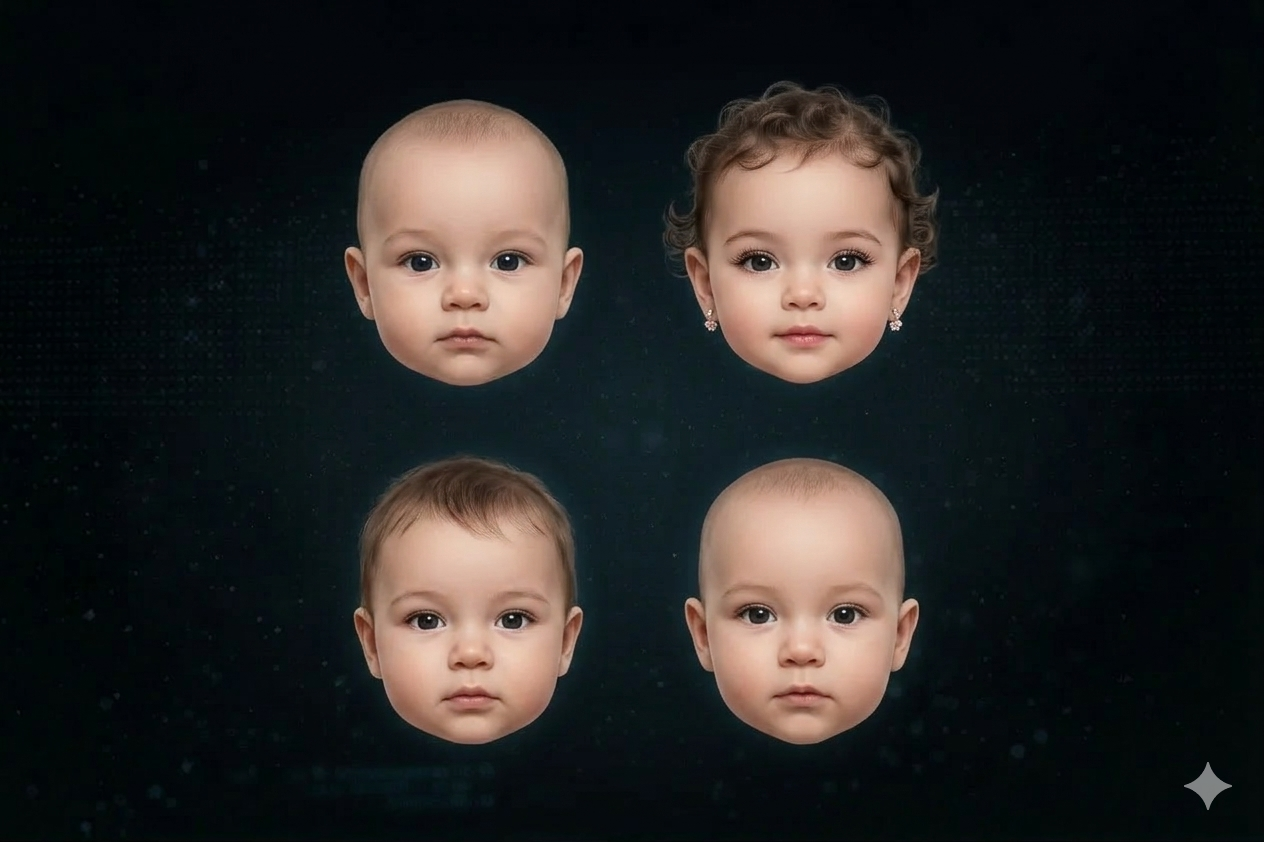
The results are plausible and often surprisingly close to real baby photos when users compare them side-by-side. Accuracy is highest for people whose adult features are close to what they looked like as a baby — those with distinctive eye shape, ear placement, or nose bridge tend to get the most recognizable results. Users whose faces changed significantly through puberty (jawline reshape, nose growth) get more speculative outputs.
This is the same underlying tech that powers our forward-facing baby prediction. If you want to see what your future baby will look like from two parent photos instead, try the BabyMorph AI baby generator.
Why the trend blew up
Search interest in "see yourself as a baby AI" and "baby version of me AI" exploded in 2024 alongside TikTok and Reddit posts of adults posting side-by-side comparisons with their real childhood photos. The trend is a natural fit for AI because everyone has an adult selfie, everyone is curious about their younger self, and the results are shareable in seconds.
How to get the best baby-version-of-me result
- Use a clear, front-facing selfie with even lighting. Side profiles and heavy filters give the model less landmark data to work with.
- Neutral expression works better than a big smile — the model can then reshape the jaw and cheeks accurately without distorting an expression.
- No sunglasses or heavy makeup. The model needs to see your natural eye and skin pigment to interpolate the baby version.
- Try multiple ages. Some tools let you view yourself at age 2, 6, or 10 — each reveals different features.
Related tools and reads
- What will my baby look like? Try this AI tool
- Create a baby face from a photo
- Baby eye color genetics explained
- Baby Eye Color Calculator
Try it — or predict your future baby
The BabyMorph AI baby generator generates baby versions from parent photos in seconds. If you're curious about what your future child will actually look like, upload two parent photos. For a probability estimate of eye color specifically, use our Baby Eye Color Calculator, and browse more AI-genetics posts on the BabyMorph blog.
Frequently Asked Questions
How do I see myself as a baby with AI?
Upload a clear front-facing selfie to an AI age-regression tool. The model reverses facial landmarks — softening bone structure, enlarging eyes relative to the skull, and lightening pigment — to produce a plausible baby version of your face.
Is 'see yourself as a baby' AI accurate?
The results are plausible and often close to real baby photos when compared side-by-side, but they're an educated guess based on adult facial landmarks. Accuracy is highest for people whose features didn't change dramatically through puberty.
What's the best AI to see yourself as a baby?
Look for tools trained on adult–baby photo pairs (not just style transfers) and that preserve your ethnic features rather than defaulting to a Western baby face. BabyMorph specifically preserves East Asian, African, and mixed-heritage features.
Can I see my son or daughter as a baby version of themselves?
Yes — the same age-regression tech works for any adult face. Upload a clear selfie of your child and the AI will generate a baby version. It's a fun way to compare against real baby photos you already have.
How is this different from an AI baby generator from parents?
'See yourself as a baby' regresses a single adult face to infancy. An AI baby generator predicts what a future baby will look like based on two parent photos. Both use similar diffusion tech but solve different problems.
How does AI create a baby version of my face?
AI age-regression models analyze around 468 facial landmarks on your adult selfie. They then apply learned transformations based on datasets of adult-baby photo pairs, reversing the aging process. This involves softening bone structure, relatively enlarging eyes, chubbing cheeks, and interpolating infant-typical pigment and smooth skin texture. The goal is to predict what your face likely looked like at around 6 months old.
What is the 'see myself as a baby' AI trend?
The 'see myself as a baby' AI trend involves adults using artificial intelligence tools to generate infant versions of their current selves. It gained significant popularity in 2024, particularly on social media platforms like TikTok and Reddit, where users shared side-by-side comparisons of their AI-generated baby faces with actual childhood photos. The trend is driven by curiosity about one's younger self and the ease of generating and sharing these unique images.
What makes a good selfie for AI baby face generation?
For the most accurate AI baby face generation, use a <strong>clear, front-facing selfie</strong> with <strong>even lighting</strong>. Avoid side profiles, heavy filters, or strong shadows, as these can obscure facial landmarks. A <strong>neutral expression</strong> works best, allowing the AI to reshape the jaw and cheeks accurately without distortion from a smile. Additionally, ensure no sunglasses or heavy makeup are present, so the model can accurately interpret your natural eye and skin pigment.