Create Baby Face From Photo (AI Baby Generator)
Turn two photos into a realistic baby face with AI: step-by-step guide, photo requirements, common mistakes, and what results really mean.
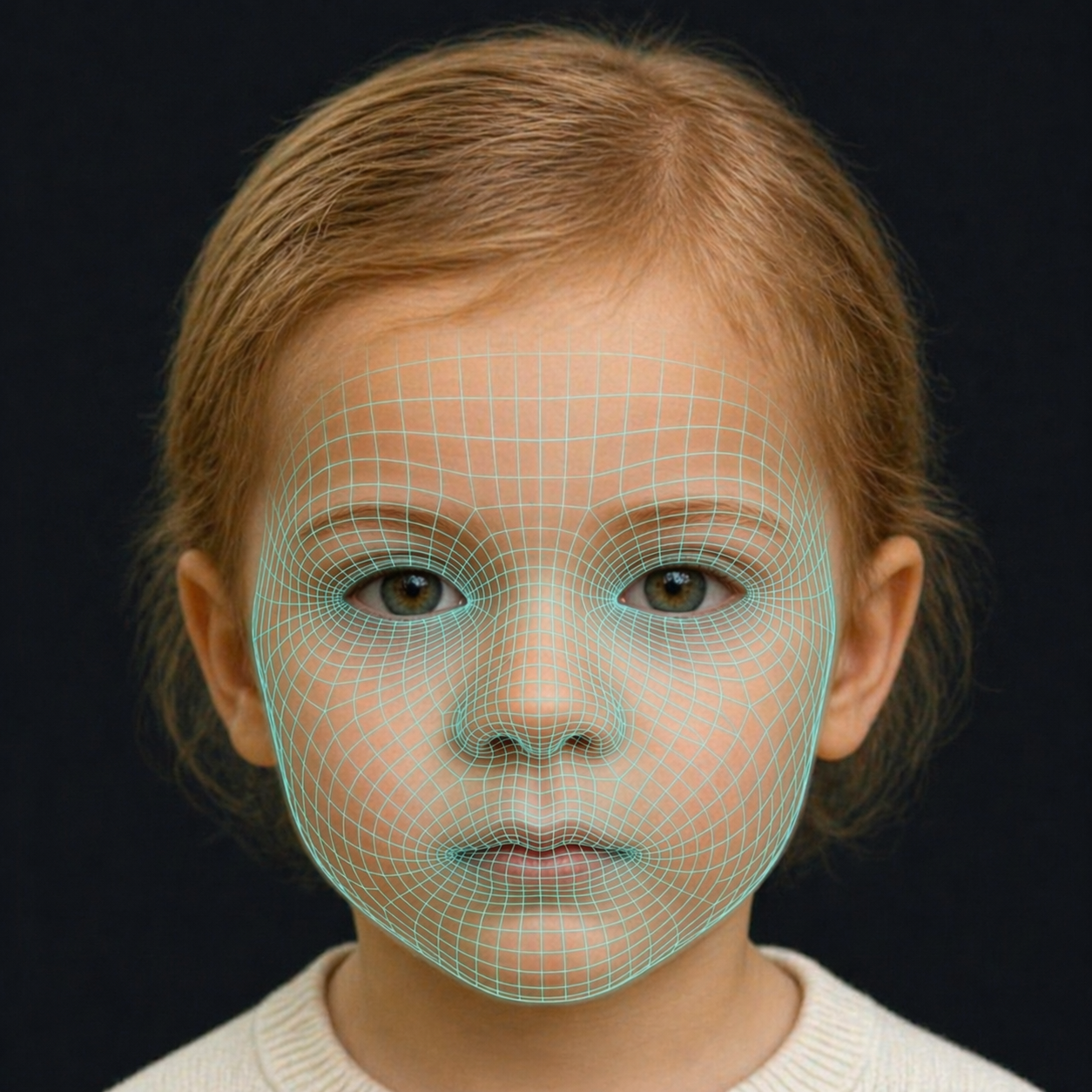
Turning two photographs into a picture of a child that does not exist yet used to require a graphic designer and several hours. Today it takes about a minute. This guide walks through how to create a baby face from a photo properly, what separates a convincing result from an uncanny one, and how to read the output honestly.
Step by step: from two photos to one baby face
1. Choose the right source photos
This single step accounts for most of the quality difference between a great result and a disappointing one. You want, for each parent:
- A front-facing photo where both eyes, both ears and the full jaw are visible
- Soft, even lighting — window light indoors is ideal, direct midday sun is not
- A neutral or gently smiling expression, mouth closed or barely open
- No sunglasses, no hats, no heavy filters, no beauty-mode smoothing
- Hair pushed back so the hairline and forehead are visible
- At least 600×600 pixels of actual face, not a crop from a group photo
2. Upload and let the model encode each face
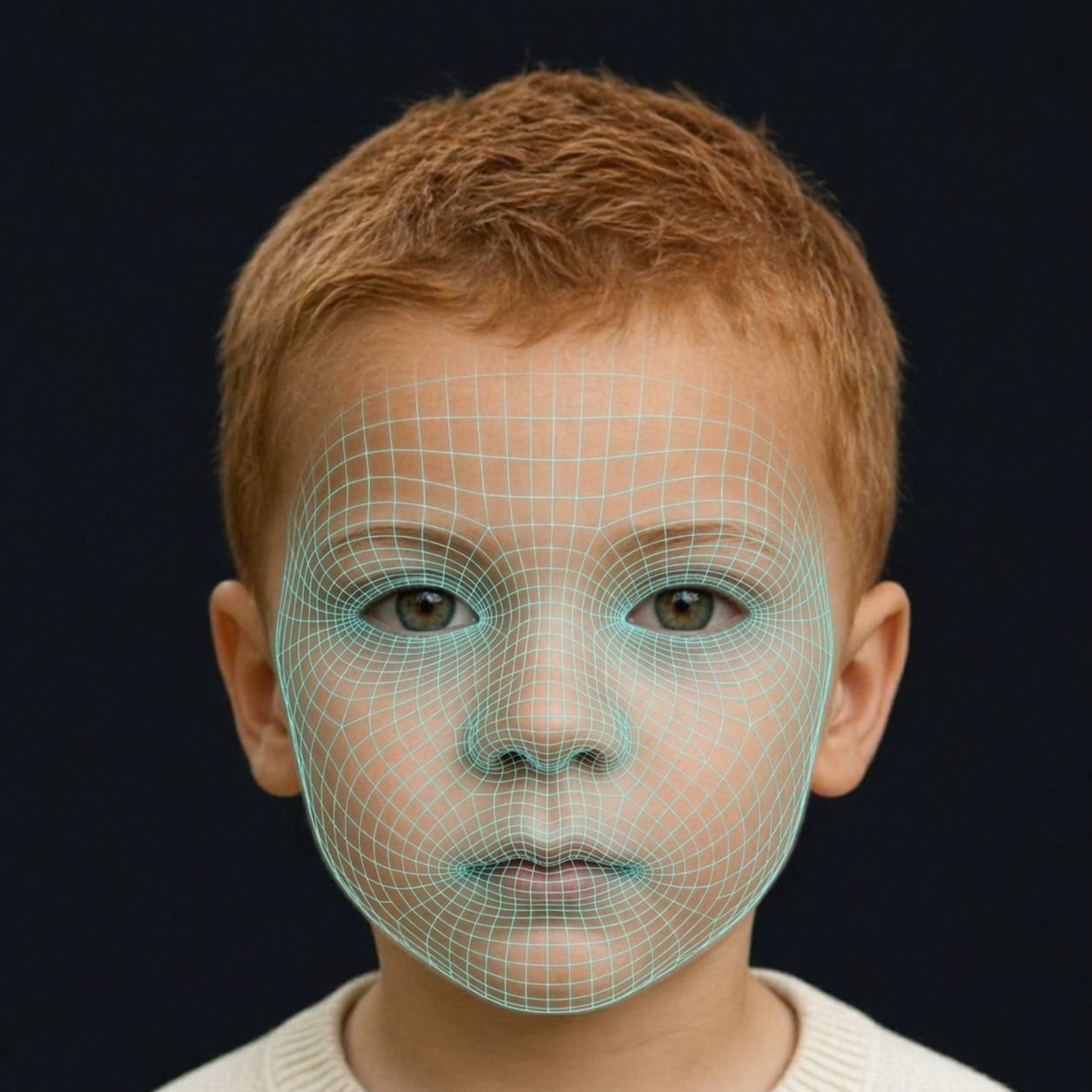
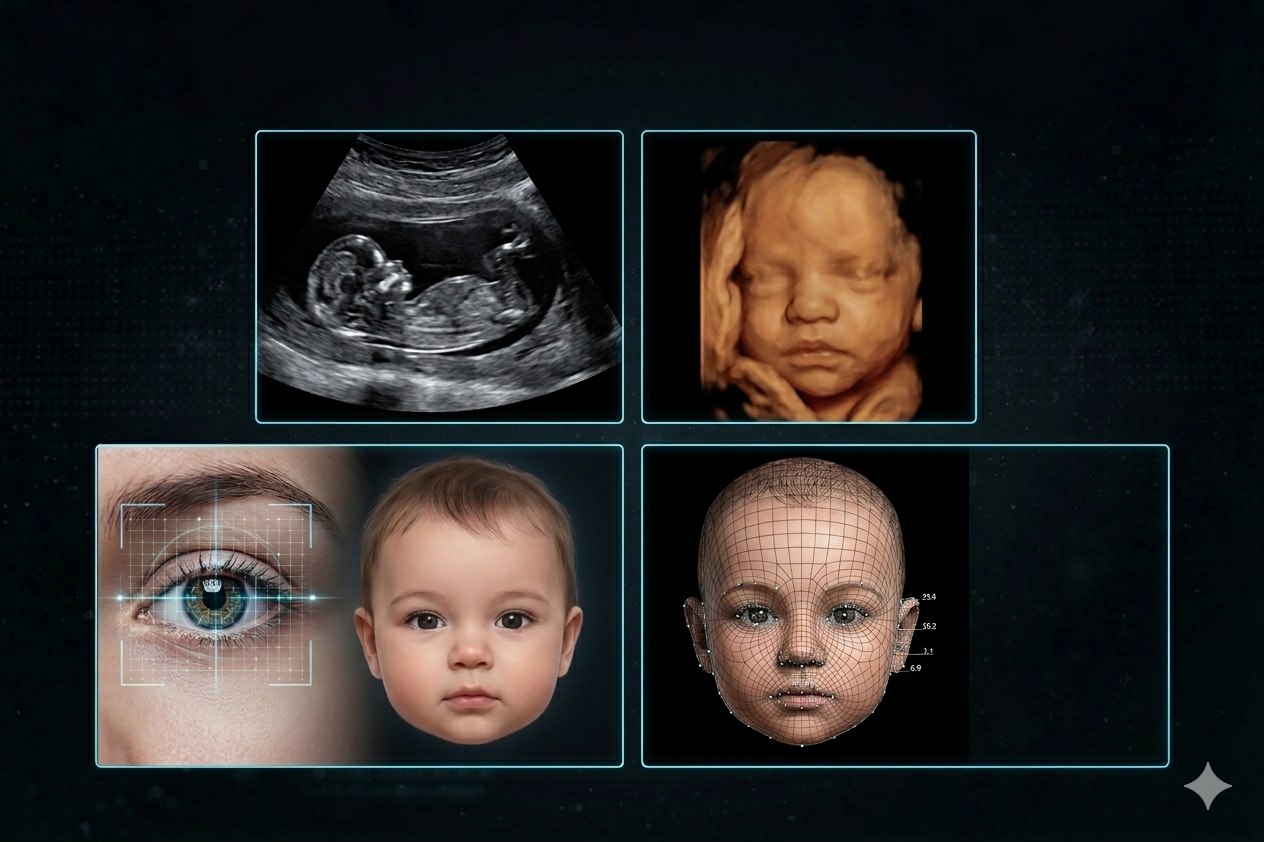
The tool detects the face, aligns it, and converts it into a numeric descriptor: distances between landmarks, curvature of the nasal bridge, jaw angle, orbital depth, lip volume, plus pigment values for skin, hair and iris. Nothing about the photo's background, clothing or pose survives this step.
3. The traits get combined, not averaged
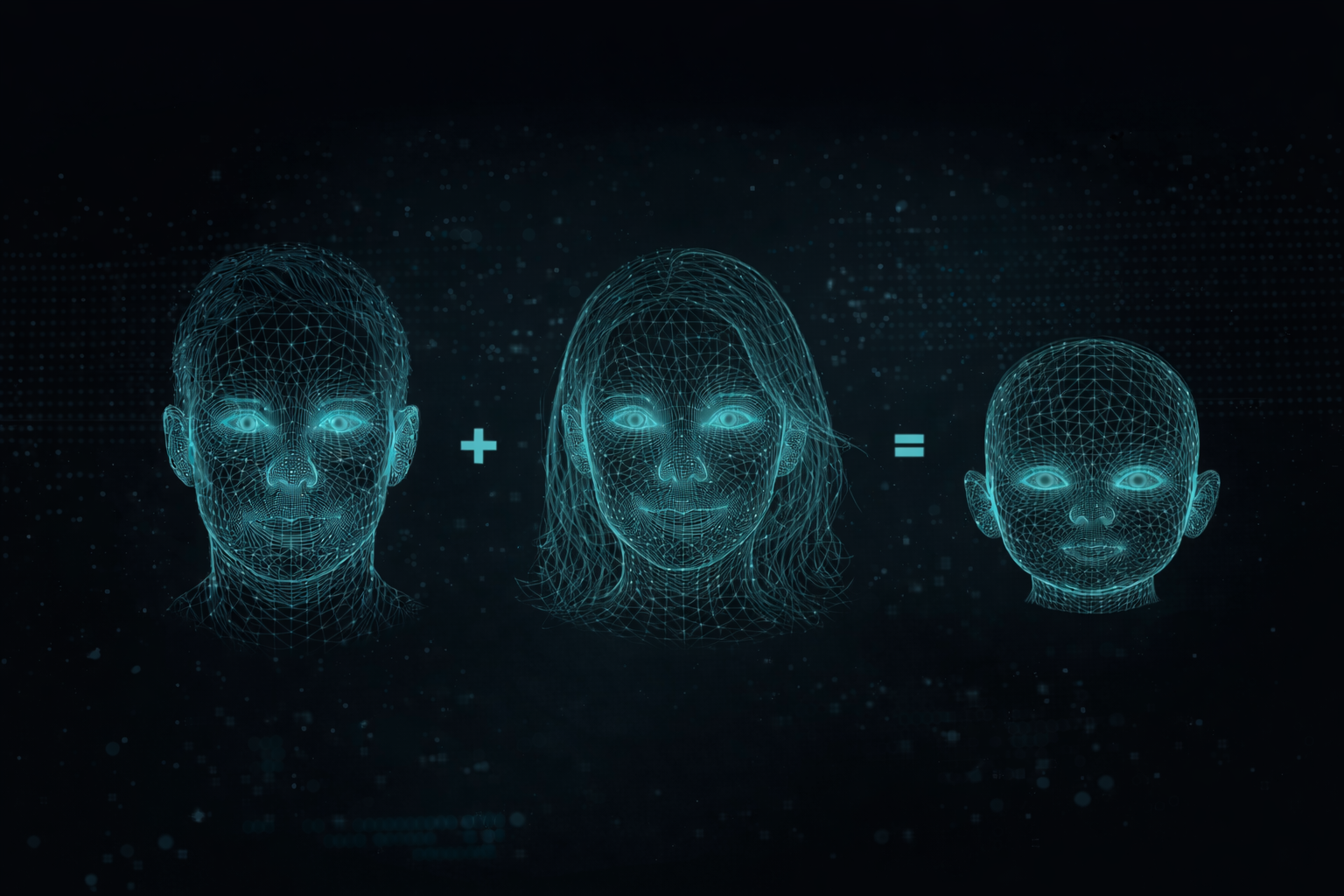
A naive average produces a face that looks like neither parent. A good model applies inheritance weighting: dominant pigment traits lean toward the parent expressing them, polygenic structural traits blend within a plausible range, and clearly heritable markers such as dimples, a widow's peak or a cleft chin are carried through when one parent shows them strongly.
4. A new face is generated at child proportions
This is the part that makes results look real. Infant and child skulls are not scaled-down adult skulls. The cranium is proportionally much larger, the midface is shorter, the chin is recessed, the nasal bridge is low and soft, cheeks carry buccal fat, and the eyes sit lower and wider apart relative to face height. A model that skips this produces the classic "tiny adult" effect that makes older baby generators look wrong.
5. Choose an age
Newborn renders are the least informative. Pigment has not settled, hair is often temporary, and features are soft. Rendering the same child at 3, 6 or 10 years shows far more of the inherited structure — the jawline, the nose shape, the eye set — because those have stabilised by then.
What makes a result look fake — and how to avoid it
| Symptom | Usual cause | Fix |
|---|---|---|
| Baby looks like a shrunken adult | Adult proportions retained | Use a tool that re-renders rather than blends |
| Skin tone too light or too dark | Photo white balance | Re-shoot in neutral daylight |
| Face too symmetrical / plastic | Beauty filter in the source photo | Turn off all filters and smoothing |
| No resemblance to either parent | Low-resolution or angled input | Front-facing, high-resolution crop |
| Wrong jaw or cheek shape | Hard side lighting | Even, frontal light |
Which features carry over most reliably
If you want to sanity-check a result against your own family, these are the traits worth looking at first, because they are the most heritable and the most visible:
- Skin tone. Additive across parents; a mixed-heritage couple should see an intermediate tone, not one parent's tone.
- Hair colour. Dark pigment tends to dominate, but two dark-haired parents can both carry recessive light alleles.
- Eye shape. Palpebral fissure angle and epicanthic fold presence are strongly inherited, even when eye colour is not.
- Nasal bridge height. One of the most reliably heritable midface measurements.
- Interocular distance and forehead width. Quietly the strongest drivers of "family resemblance" — people register these before they register any individual feature.
- Dimples, cleft chin, widow's peak. Discrete markers with strong dominance patterns.
What it cannot tell you
A photo-based generator reads phenotype, not genotype. It sees the traits you express, not the recessive alleles you silently carry. Two brown-eyed parents each carrying a blue-eye variant have a real chance of a blue-eyed child, and no image model can see that from a photograph.
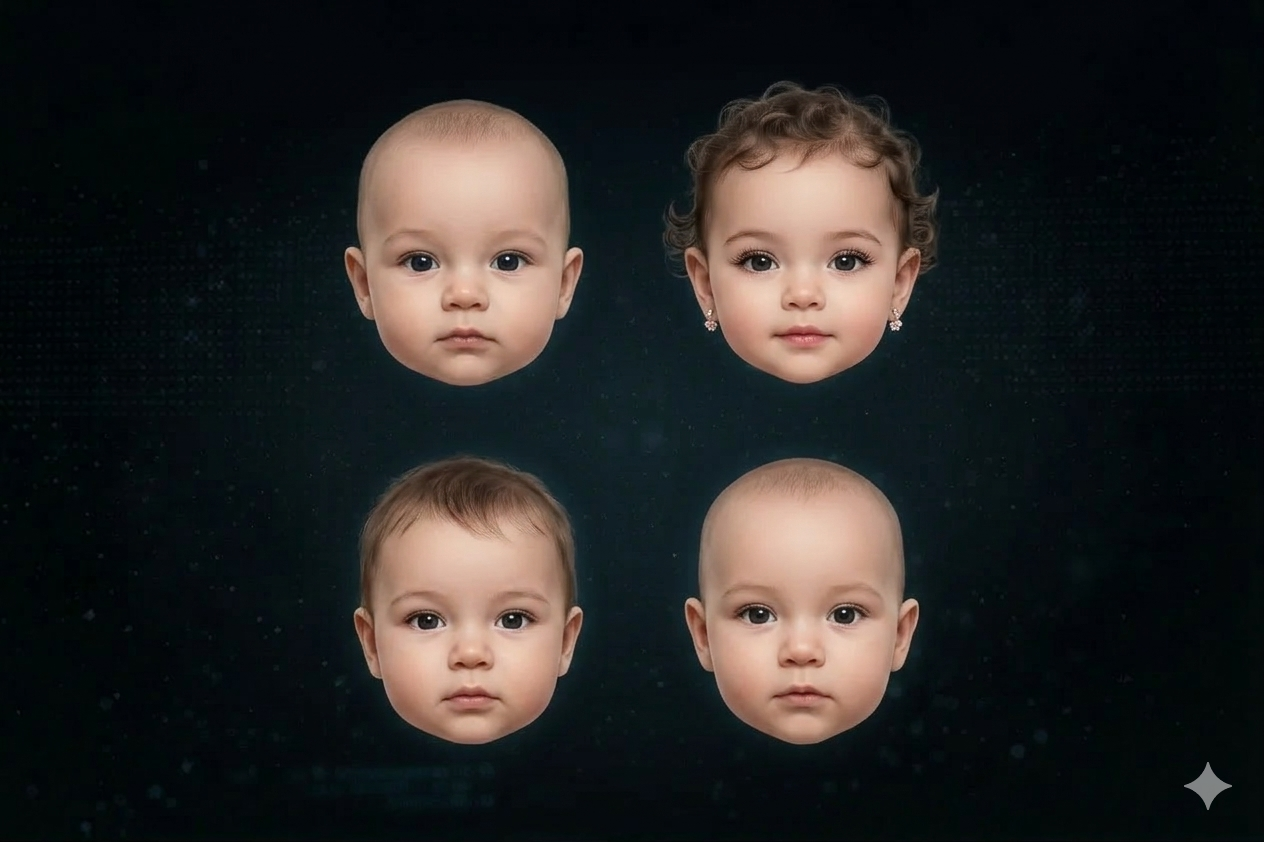
It also cannot pick which child you will have. Every conception is one random draw from a very wide distribution — which is exactly why siblings from the same two parents can look so different. Generating several variations gives you a much more honest picture than fixating on a single render.
Privacy: read this before uploading
You are uploading biometric data — two faces. Before you do, confirm that the service states how long source photos are kept, whether generated results are private by default, whether images are used to train models, and whether you can request deletion. A tool that answers those four questions clearly is a tool worth using; one that does not is not.
Frequently asked questions
How long does it take?
Modern generators typically return a result in under a minute per render.
Can I choose the gender?
Most tools let you request a boy or a girl. Structurally, child faces are quite similar before puberty; the difference becomes pronounced in older-age renders.
Can I use a photo of a pet, a drawing or a celebrity?
Technically often yes, realistically no — face encoding expects a real human photograph, and anything else degrades the descriptor badly. Using someone else's photograph without consent is also a bad idea legally and ethically.
Why do two runs give different faces?
Because that is genuinely how inheritance works. Each generation samples from the range of plausible outcomes. Consistency across runs would be less accurate, not more.
Bottom line
Creating a baby face from a photo is now reliable enough to be genuinely fun and genuinely interesting — provided you feed it clean, unfiltered, front-facing photos and read the output as one plausible outcome rather than a prophecy. Generate a few variations, look at the older-age renders, and pay attention to the traits that inherit strongly. That is where the resemblance actually lives.
Frequently Asked Questions
How long does it take to generate a baby's face from photos?
Modern AI baby generators typically return a result in <em>under a minute</em> per render. The speed of the process is a significant advantage over traditional graphic design methods that used to take several hours to achieve a similar outcome.
Can I choose the gender of the AI-generated baby?
Yes, most AI baby generator tools allow you to <em>request either a boy or a girl</em>. While infant and child faces are structurally quite similar before puberty, the differences become more pronounced in older-age renders, allowing for more distinct gender representation.
Why do different runs of the generator produce different baby faces?
Different runs produce varying baby faces because that is genuinely how <em>genetic inheritance works</em>. Each conception is a random draw from a wide distribution of possible outcomes, meaning siblings from the same parents can look quite different. Consistency across runs would actually be less accurate, not more.
What kind of photos work best for an AI baby generator?
For the most convincing results, use <strong>front-facing photos</strong> where both eyes, ears, and the full jaw are visible. Ideal photos have soft, even lighting, a neutral or gently smiling expression with the mouth closed, and no filters, hats, or sunglasses. Ensure hair is pushed back and the face is at least 600x600 pixels.
What features are most reliably inherited in an AI baby prediction?
Highly heritable and visible traits include <em>skin tone, hair color, eye shape, nasal bridge height, interocular distance, and forehead width</em>. Discrete markers like dimples, a cleft chin, or a widow's peak also carry through strongly when present in a parent. These are good indicators for sanity-checking results.
Can the AI generator predict a baby's eye color accurately?
An AI baby generator reads phenotype (expressed traits), not genotype (underlying genetics), so it cannot predict recessive traits like blue eyes from two brown-eyed parents who both carry the gene. It shows <em>what traits are visible</em>, not what recessive alleles are silently carried. Therefore, it cannot guarantee specific eye colors beyond what's visually present.
How does BabyMorph combine parent traits to create a new face?
BabyMorph's model doesn't simply average traits; it applies <em>inheritance weighting</em>. Dominant pigment traits lean towards the parent expressing them, while polygenic structural traits blend within a plausible range. Clearly heritable markers such as dimples are carried through when strongly present in one parent, ensuring a realistic and unique outcome.
What are the privacy considerations when using an AI baby generator?
When using an AI baby generator, it's crucial to confirm the service's policies on <strong>how long source photos are kept</strong>, if generated results are private by default, whether images are used for model training, and if you can request deletion. A reputable tool will clearly answer these questions regarding your biometric data.